






Your move, friend!
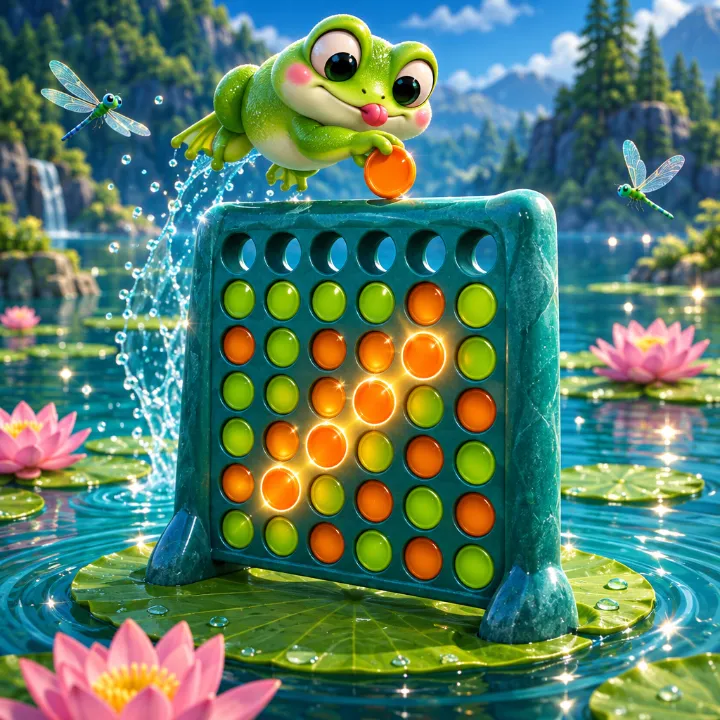
4 in a Row
Board games · Four in a row wins. Bot or friend.
Free online 4 in a Row against Hops the turtle or a friend. Drop your discs, block your opponent and be first to line up four in a row. It's the classic game many people know as Connect 4. You can also play 4 in a Row online with a friend: send a link and they join from any phone or computer.
🏆 Leaderboard
Loading…
How to play
- Tap a column to drop a disc. It falls to the lowest empty space.
- You play the green discs and Hops plays orange. Take turns, one disc each.
- Connect four of your discs in a row across, down or diagonally to win.
- If the board fills up with no four in a row, it's a draw. Choose Easy, Medium or Hard, or 2 players on one device.
Tips to win
- Play in the middle column early; it's part of the most possible lines.
- Before every move, check whether Hops can win next turn and block it.
- Look for threats that sit on top of each other: if you need the same column twice, your opponent may be forced to give you the second spot.
- Avoid dropping a disc directly under a square your opponent needs.
- To play a friend online, open the Online tab, choose Play a friend and send the link. The game starts as soon as they open it, and each move has a 45-second clock. Quick match pairs you with the next person looking; if nobody turns up in 20 seconds, Hops takes the seat.
Guides
Questions
How strong is Hops?
Easy looks a couple of moves ahead, Medium four, and Hard six, which is a real challenge.
Can I play 4 in a Row with two players?
Yes. Choose 2 players and pass the device between turns.
Is it free?
Yes. Play free in your browser on phone or computer, no download.
Can I play 4 in a Row online with a friend?
Yes. Choose Online, then Play a friend, and send the link by message or chat. Your friend taps it and the game starts on their phone or computer. Quick match finds you a random opponent instead, and your wins against people go on the Online leaderboard.
Do we need an account to play online?
No. It's free and there's nothing to sign up for: GameLake gives each player a guest name automatically. There's no open chat, just a few friendly emotes. You can create an account later to keep your progress on another device.