






Your move, friend!
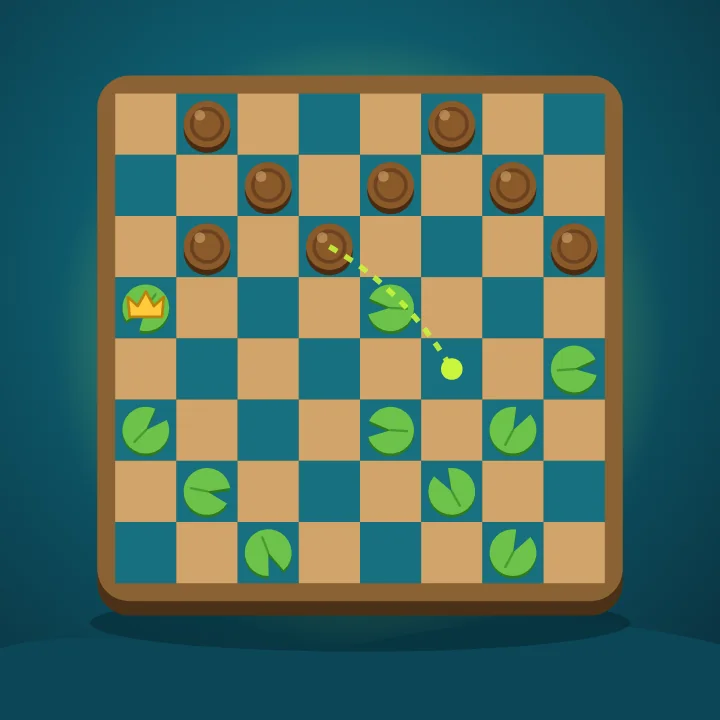
Checkers
Board games · Jump, crown and clear the board. Bot or friend.
Play checkers online for free against Hops the turtle at three levels, or against a friend on the same screen. Classic 8×8 American checkers (English draughts) with forced jumps, multi-jumps and kings, built for phones. You can also play checkers online with a friend: send a link and they join from any phone or computer.
🏆 Leaderboard
Loading…
How to play
- You play the teal checkers at the bottom and move first; Hops plays ivory. Pieces only ever stand on the dark plum squares.
- Tap a piece, then one of the glowing squares, or just drag it. A normal piece (a man) moves one square diagonally forward.
- Jump over an enemy piece diagonally onto the empty square behind it to capture it. If you can capture, you must, and you keep jumping while you can. Pieces that have to jump get a dashed orange ring.
- Reach the far row and your piece is crowned king. Kings move and jump diagonally forwards and backwards, one square at a time.
- Win by capturing all of Hops' pieces or leaving him with no legal move. 40 moves each without a capture, or the same position three times, is a draw.
Tips to win
- Keep your back row filled as long as you can: Hops can't crown while those squares are guarded.
- Pieces on the side edges can't be jumped, so they make safe stepping stones.
- Before you move, check whether your piece will have an enemy piece diagonally in front with an empty square behind it.
- Use the forced-capture rule: offer one piece so Hops must jump, and set up a double jump in return.
- When you're ahead, trade pieces one for one. Fewer pieces on the board makes your lead count for more.
- Stuck? Press Teach me and Hops highlights a good move and explains why.
- To play a friend online, open the Online tab, choose Play a friend and send the link. The game starts as soon as they open it, and each move has a 45-second clock. Quick match pairs you with the next person looking; if nobody turns up in 20 seconds, Hops takes the seat.
Guides
Questions
What are the rules of checkers?
Each player starts with 12 pieces on the dark squares of an 8×8 board. Pieces move one square diagonally forward and capture by jumping over an enemy piece. Captures are compulsory, multi-jumps are allowed, and a piece that reaches the far row becomes a king that can move backwards too. You win when your opponent has no pieces or no legal moves.
Do you have to jump in checkers?
Yes. In American checkers, if you can capture you must. If several captures are possible you can choose which one, and you must finish every jump in the sequence.
Can a regular piece capture backwards?
No. In the classic 8×8 rules played here, men move and capture forward only. Only kings move and capture backwards.
How do you win at checkers?
Capture all of your opponent's pieces or block them so they can't move. Keep your back row, avoid leaving gaps that allow double jumps, and crown kings early.
Can I play checkers against the computer?
Yes. Hops plays at Easy, Medium and Hard. Easy is great for learning, and Hard thinks many moves ahead.
Can two people play on one device?
Yes. Choose 2 players and take turns on the same phone, tablet or computer.
Is this checkers game free?
Yes. It's free in your browser with no download and no account.
Can I play checkers online with a friend?
Yes. Choose Online, then Play a friend, and send the link by message or chat. Your friend taps it and the game starts on their phone or computer. Quick match finds you a random opponent instead, and your wins against people go on the Online leaderboard.
Do we need an account to play online?
No. It's free and there's nothing to sign up for: GameLake gives each player a guest name automatically. There's no open chat, just a few friendly emotes. You can create an account later to keep your progress on another device.