
Typing Practice
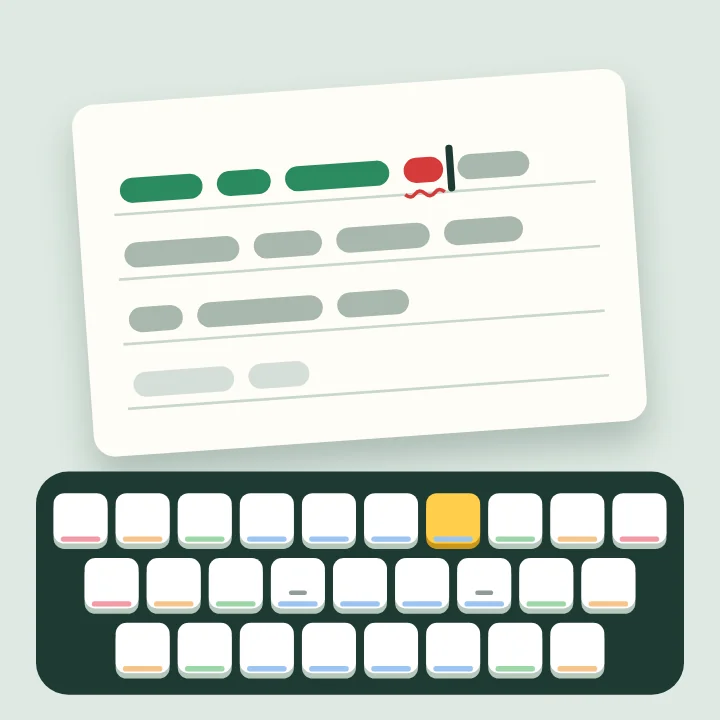
Type the line shown, as fast and as accurately as you can. The clock starts with your first key. Speed is words a minute (5 keystrokes = 1 word).
Typing Practice
Word games · Type the line on the paper: key positions, words, sentences and long passages. Speed and accuracy.
Practise typing free online: type the line on the paper as quickly and accurately as you can, and see your speed in words a minute and your accuracy. Choose key positions, common words, short sentences or long passages, and try the Daily: five sentences, the same for everyone.
🏆 Leaderboard
Loading…
How to play
- Pick a kind of practice on the start card and press Play.
- Type the line shown on the paper into the box below it. The clock starts with your first key.
- Correct letters turn green, wrong ones red. You can fix a mistake with Backspace, but it still counts against your accuracy.
- When a line is complete the next one appears. After the last line you get your speed, accuracy, time and the letters you missed most.
Tips to win
- Rest your index fingers on F and J; the small bumps on those keys let you find them without looking.
- Keep your eyes on the screen, not the keyboard. On a computer the map under the paper lights the next key and shows which finger presses it.
- Slow down until you make almost no mistakes. Accuracy builds the habits that make you fast.
- Key positions is the place to start if you look at the keyboard while typing.
Questions
What is a good typing speed?
Around 40 words a minute is average. 60 or more is fast, and many professional typists reach 70 to 90.
How is the speed counted?
Every correct keystroke counts, and 5 keystrokes make one word. Mistakes left in a line don't count towards your speed.
Does it work on a phone?
Yes. The phone's own keyboard types into the box. The keyboard map is shown only on computers, and Key positions needs a real keyboard to be useful.
Can I race a friend?
Yes. Challenge a friend online: you both type the same three sentences, and whoever finishes first wins.